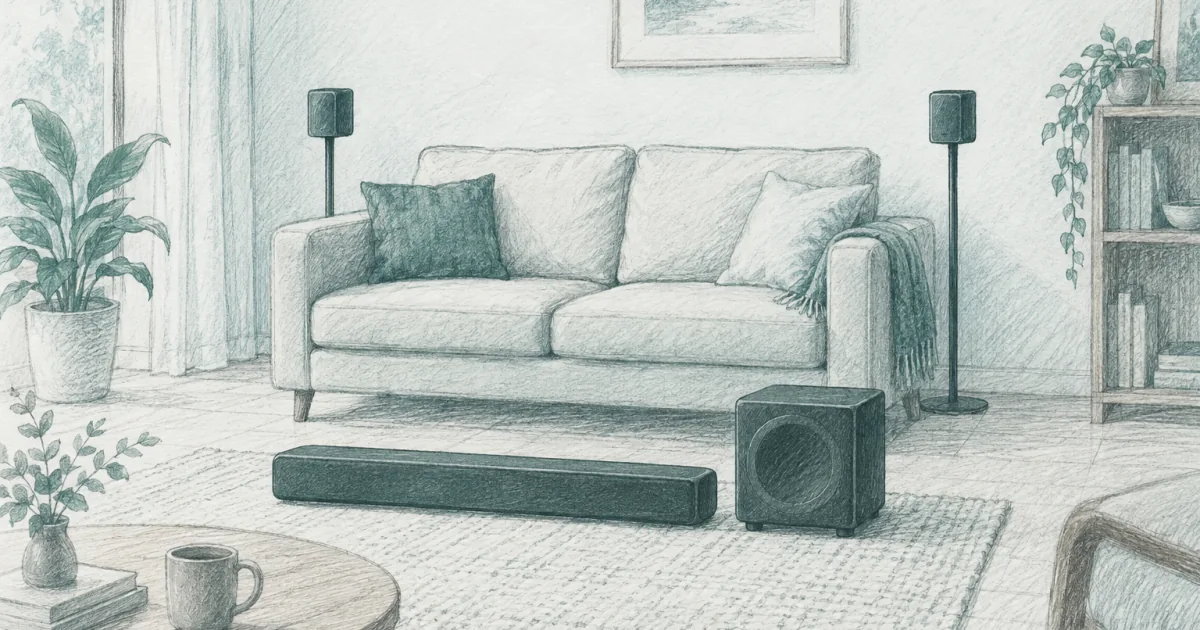
Best Surround Sound System for a Small Room (2026)
Soundbars and speakers
Three surround systems that fit a small room without an AV receiver, ranked by how much space they need: a compact 5.1 bar that builds width with no rear speakers, a 7.1 set with four small surrounds, and an Atmos step-up sized for a 10 by 12 room.
Our picks
The best surround sound system for a small room is the ULTIMEA Poseidon M60 for most people. It is the pick we hand to someone whose couch sits close to the wall, because the left and right surround information comes out of the bar itself. The ULTIMEA Poseidon D70 is the step up when you have room for four small speakers, and the ULTIMEA Aura A60 Pro adds Atmos height in a room the maker sizes for 108 to 270 square feet.
A small room changes the buying question. In a big space you shop for power and channel count. In a tight one you shop for placement. If there is nowhere to put rear speakers, the extra channels are wasted, and a wide bar with side-firing drivers will beat a 7.1 set that has its surrounds shoved against the wall.
Start with the soundbar and speaker guides if you are still deciding between a bar and a full set, then read the soundbar under $500 guide for the single-bar route. If you specifically want rear speakers without running cable across the room, our wireless surround system guide covers that trade in detail.
What actually fits in a small room
The first limit is distance, not power. Surround effects need a little travel between the front and the sides to separate. When the couch is two feet from the wall, a speaker behind it fires straight into the back of your head and the effect collapses into noise.
How far behind the couch do the rear speakers need to be?
Aim for about two feet of air behind the seating, and put the speakers to the sides rather than directly behind. With less room than that, the rear channels never separate from the front, and a bar-only system will sound more even than surrounds pressed against the wall.
Will a small subwoofer boom in a small room?
It can if you box it into a corner. Low bass builds at room boundaries, so a 5 or 6 inch sub in the open sounds tighter than a bigger sub tucked against two walls. The M60 uses a 5.25 inch driver and the D70 a 6.5 inch, both sized for a normal room.
Do wireless surrounds still need power outlets?
Always. Wireless means there is no audio cable back to the bar, not no power. Every surround speaker and the subwoofer still plug into a wall outlet, so count the sockets near the seating before you buy a system with separate speakers.
How far do the included cables reach?
Check this before you buy, because it decides the layout. The D70 ships a 3 meter cable pair for the front surrounds and a 6 meter cable for the rears, so the couch can sit a few feet off the bar. The bar-only M60 needs no speaker cable at all.
The best overall: ULTIMEA Poseidon M60
The ULTIMEA Poseidon M60 is the best all-round pick because it gives you real surround width without the rear-speaker problem. It is a 5.1 system with two side-firing drivers in the bar, a wooden subwoofer, and 300 watts of peak power. Setup is one HDMI eARC cable plus power to the sub.
Dialogue stays centered thanks to the front channels and Ultimea's VoiceMX processing, which lifts the vocal range without dragging up the whole mix. The app adds a 10-band EQ and a set of surround levels, so you can dial the effect back in a room that reflects a lot of sound.
The trade is control. There is no bass knob on the remote, and a few owners in the community thread mention the sub can overpower a very small space until you tune it in the app. For a bedroom or a tight den, that is the one setting to learn on day one.
Check the ULTIMEA Poseidon M60 on Amazon for the current price.
Best with real rear speakers: ULTIMEA Poseidon D70
The ULTIMEA Poseidon D70 is the step up when you can give up a little floor space. The four surround speakers let the system place effects beside and behind you, which a bar alone can only imitate. If you have ever heard a bar try to fake a helicopter flyover, you know why the real speakers matter.
The subwoofer connects wirelessly, so the only cable you run for the low end is power. The bar carries the front three channels, and the system supports Dolby Atmos for height-style content.
The trade is placement and format support. The four surrounds are wired, with a 3 meter cable pair for the front pair and a 6 meter cable for the rears, and the system decodes Dolby Atmos rather than DTS, so DTS discs fall back to another mode. Neither is a dealbreaker in a movie-and-streaming room.
See the ULTIMEA Poseidon D70 on Amazon for the current price.
Best Atmos step-up: ULTIMEA Aura A60 Pro
The ULTIMEA Aura A60 Pro is the Atmos option for a room that can support it. It is a 7.1 system with three front channels in the bar, four small surround speakers, and a 4 inch wired subwoofer. The height effect comes from processing rather than ceiling speakers, which is the practical way to get it in a rental.
Ultimea builds in six EQ modes, including Voice for dialogue and Night for late viewing, and the app gives you a 10-band EQ and 121 presets. For a small room, the voice mode is the one you will use most, because it fixes the quiet-dialogue problem that starts every upgrade.
The trade is low end and format coverage. A 4 inch sub is honest about its size, so deep rumble is modest next to a bigger box, and there is no DTS decoding. In a 10 by 12 room, that is a fair exchange for the size and the price.
See the ULTIMEA Aura A60 Pro on Amazon for the current price.
Where to put the speakers when the couch is against the wall
Put the surrounds to the sides, not directly behind. In a small room, the side walls or a pair of slim stands just off the couch corners give the most even effect. Aim them across the seating rather than at the wall behind them, and keep them near ear height when you are sitting.
Pull the couch off the wall if you can. Even six inches of air behind the seat changes how the rear channels land, and a foot or two makes a real 7.1 layout possible. If the layout will not allow it, that is your signal to choose the bar-only pick above.
Hide the power before you mount anything. Run a slim extension cord along the baseboard or under a rug, then place the speakers. Doing it in that order is the difference between a finished setup and a tangle you keep meaning to fix.
Set the sub by ear from your seat. Bass builds in corners, so a sub tucked into one can sound thick while the same sub in the open sounds thin. Move it a foot at a time and listen from where you actually sit.
Who should skip a surround system
Skip it if your only seat is against the back wall and you cannot move it. A good soundbar with a subwoofer, like the ones in our soundbar under $200 guide, will serve you better than surrounds that have nowhere to go.
Skip it if you already own an AV receiver and speakers that work. The component route still offers more power and upgrade flexibility. These systems are for people who want the effect without the stack of boxes.
Skip the Atmos pick if your ceiling is angled or very high. Height effects rely on a reflective surface above you, and a vaulted ceiling scatters them. In that room, put the money into a better sub or wider fronts instead.
Skip all of them if deep bass is the goal. A separate subwoofer with a larger driver will always beat a compact system for rumble. Match the system to the room first, then add bass later if you need it.
Common questions
Do I need a receiver for surround sound? No. The systems here have amplification and processing built in. A receiver only makes sense if you plan to add speakers over time and want to choose each one.
Will a small subwoofer be enough? In a bedroom or a small den, usually yes. A 5 or 6 inch sub fills a tight room, and a bigger one tends to boom. Size the sub to the space, not to the spec sheet.
Can I mix these systems with my own speakers? The bars here are designed as complete sets, so adding your own speakers is limited. If you want to build slowly around speakers you already own, a receiver-based setup is the better path.
How loud can a compact system get? Louder than most small rooms need. These systems are rated in the hundreds of watts and will fill an apartment living room well before the volume runs out. Neighbors, not headroom, are usually the limit.
Frequently Asked Questions
What is the best surround sound system for a small room?
The ULTIMEA Poseidon M60 is the best fit for most small rooms. Its left and right surround drivers are built into the bar, so it creates a wide field without speakers behind the couch, and the 5.25 inch subwoofer adds low end without a second box on the floor.
Is 7.1 worth it in a small room?
Rarely, unless you can place the speakers. True 7.1 needs room behind and beside the seating for effects to separate. In a tight room, a good 5.1 system with two well-placed surrounds beats a 7.1 set with speakers jammed into corners.
Is 5.1 or 7.1 surround sound better?
5.1 is the better match for a small room. The extra two channels in 7.1 have nowhere to work when the couch sits near the wall. Choose 7.1 only if you have at least two feet behind the seating and space to the sides.
Do surround sound systems need an AV receiver?
No. All three picks here have the amplification and processing built in. You trade the upgrade path of a receiver for a setup you can finish in an evening with one HDMI cable to the TV.
Can I put rear speakers on the sides instead of behind me?
Yes, and in a small room you should. Placing the surrounds to the sides of the couch, at about ear height and angled in toward the seat, gives a more even effect than trying to squeeze them behind a couch that is close to the wall.
Do wireless surround speakers still need a power outlet?
Yes. Wireless means there is no audio cable back to the bar, not no power. Each surround speaker and the subwoofer still plug into a wall outlet, so count your sockets before you place anything.
Is a soundbar enough instead of a surround system?
For many small rooms, yes. A single bar with a subwoofer is simpler and costs less. Step up to a surround system when you want effects to move around the room rather than stay in front of you.
How do I connect a surround system to my TV?
Use HDMI eARC if the TV has it, because one cable carries the audio and lets the TV remote control the volume. Optical is the fallback for older sets, and Bluetooth works for music but adds lag with movies.