Best Vizio TV Remote Replacements (2026): Which XRT Model Fits
Streaming devices
A dead Vizio remote is a ten dollar fix, not a new TV. These are the replacement models that work with no pairing, which one carries a channel keypad, and what to check before your old remote gets the blame.
Our picks
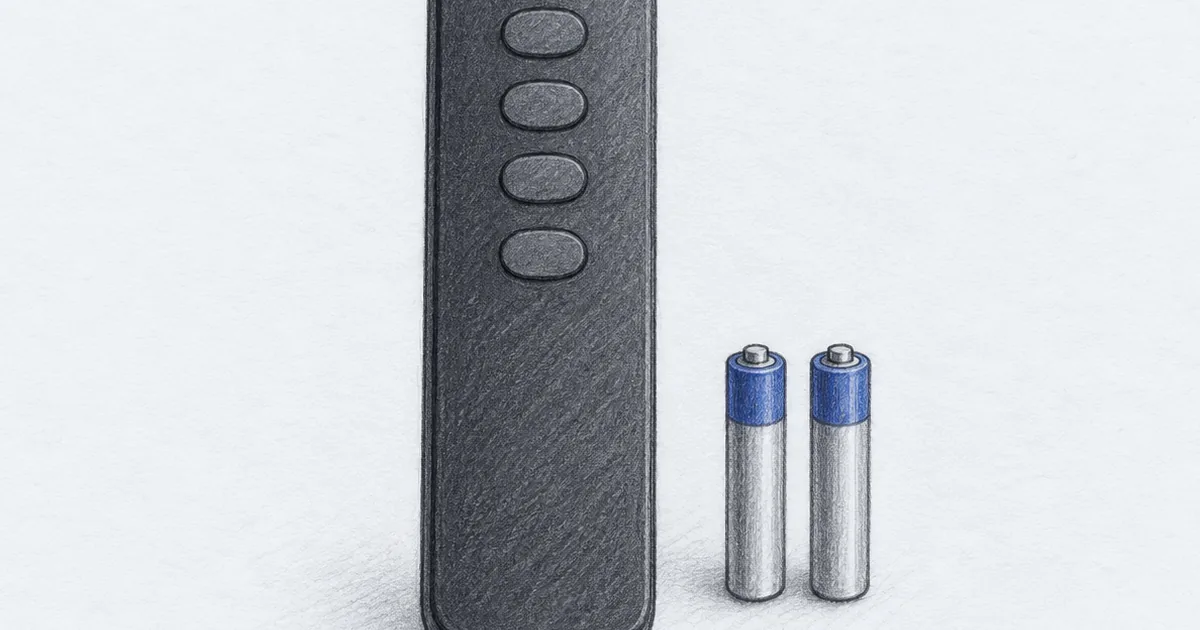
The best Vizio TV remote replacement for most TVs is the XRT140, because it does the three things you actually need from a remote: power, volume, and inputs, plus the SmartCast app shortcuts. It is infrared, so there is nothing to pair and no app to install. Two AAA batteries and it is done.
The XRT136 is the pick for anyone who types channel numbers on an antenna or a cable box. It is the one body here that keeps the number keypad, and it costs less than the top pick.
Losing a TV remote feels like a bigger problem than it is. Vizio replaces remotes, the phone app exists, and a universal remote is a ten dollar accessory. The trick is knowing which model you are replacing and what the budget replacements give up, which is usually the app keys and the voice search.
If you are still sorting out the rest of the setup, the streaming guides collect the remotes and players, and the HDMI cable guide covers the one cable that causes most no-signal panics. A dead Samsung remote takes the same fix, which our Samsung TV remote guide covers, and the USB-C to HDMI guide handles the other cable people lose.
What matters in a Vizio replacement remote
The first thing is the connection type. Every remote on this page is infrared, which is the good news and the limit. There is no pairing, no Bluetooth handshake, and no setup screen, but the remote has to see the front of the TV. Aim it at the sensor and keep the path clear.
The second thing is the model list. Vizio has shipped a lot of remotes, and the replacements cover the same families: XRT140, XRT136, XRT135, XRT260, XRT270, XRT112, XRT122, XRT302, XRT510, XRT500, and the older VR-series. If you can read the number inside the battery door of the old remote, you can match it. Even if you cannot, basic keys work across the range because Vizio remotes are built to control Vizio TVs.
The third thing is the button layout, and this is where cheap replacements get confusing. Some listings sell an XRT140 with a number pad, and some sell the slim SmartCast layout with app buttons and no numbers at all. The model number on the box does not tell you which one you are getting. Look at the product photos and count the keys before you buy. If channel numbers matter in your house, buy the XRT136 and skip the guessing.
Do these remotes need pairing or an app?
No. Every remote on this page is infrared and works out of the box with two AAA batteries and a clear line of sight. There is no pairing step and no app to install.
Why does the key layout matter more than the model number?
Because the model number does not tell you which keys you get. Some listings sell an XRT140 with a number pad and some sell the slim layout without one, so count the keys in the photos before you buy.
Best overall: EWO'S XRT140 remote
The XRT140 is the top pick because it is the safest match for a modern Vizio. It covers the D, E, M, P, PX, V, and OLED series, it reaches about 40 feet, and it needs nothing but two AAA batteries. There is no pairing step and no app, which is the whole point when the buttons are already working on the old remote.
The build is light plastic, which is what you expect at this price. The upside is that it weighs almost nothing and the buttons have a firm click rather than the mushy feel of the cheapest universal remotes.
The honest caveat is the fixed app row. Those keys are chosen at the factory and cannot be reassigned, so if your household runs on an app that is not printed on the remote, you will reach for the phone instead.
How fast does the XRT140 respond?
It registers a press in about 0.2 seconds, faster than you notice, and the buttons are rated for over 150,000 clicks. For power and volume it feels like the remote that came with the TV.
What is the one thing you cannot change?
The app shortcut row. Those four keys are fixed at the factory, so you get the apps printed on the remote rather than the ones you watch most.
See the EWO'S XRT140 remote on Amazon for the current price.
Best if you use channel numbers: OMAIC XRT136
The XRT136 is the pick when channel numbers are part of how you watch. Antenna users, cable boxes, and anyone who keys in a channel rather than scrolling a guide will want that keypad back. This body keeps it, and it still carries the six app shortcuts.
Compatibility is broad. It replaces the XRT140, XRT260, XRT270, XRT112, XRT122, XRT302, XRT135, XRT510, XRT500, and the VR-series remotes, and it works across the V, M, D, P, PX, and E series SmartCast TVs. It also undercuts the top pick, which is unusual for the version with more buttons.
The trade is exactly what it sounds like. A keypad makes a remote longer, and this one is busier to look at than a slim SmartCast unit. If you never type a channel number, the extra keys are dead weight.
Who should buy the keypad version?
Buy it if you type channel numbers on an antenna or a cable box, or if you scroll a guide and miss the number pad. In a streaming-only house, the slim XRT140 is the better layout.
See the OMAIC XRT136 remote on Amazon for the current price.
Best value: Angror XRT140
The Angror XRT140 is the value pick, and it is the right answer for a guest room, a second TV, or any spot where you just want the power and volume keys working again. It shares the same compatibility list as the other XRT140 replacements, so it drops into the same TVs.
Setup is identical. Two AAA batteries, aim at the sensor, no pairing. If a remote is a utility and not something you want to admire, this is the one to buy.
The trade is feel and finish. It works fine and looks plain, and at this price that is a fair swap. If the remote sits on a coffee table you look at every day, the top pick is the better ten dollars.
Is the cheapest XRT140 a safe buy?
Yes, for a spare or a second room. It shares the same compatibility list as the other XRT140 picks, so it drops into the same TVs, and the many reviews are a good sign at this price.
See the Angror XRT140 remote on Amazon for the current price.
Why your old remote quit (and when a new one will not help)
Volume and power are the two most pressed buttons on any remote, and they are the first to wear out. If the volume key takes a few tries and the rest of the buttons still work, that is wear, and a replacement is the fix.
There is a second failure that looks the same and is not the remote. When a Vizio TV stops responding to buttons that light up, the set itself is often the problem. Unplug the TV, hold the physical power button on the set for about 30 seconds, and plug it back in. That drain clears the state that stops the sensor from answering.
If a fresh replacement still will not work, try the remote reset before you send it back. Pull the batteries out, press every button once while the batteries are out, then put in fresh cells. This is the same advice Vizio support gives on its own help pages, and it clears the stuck key state that makes a new remote look dead.
What do you try before you return a new remote?
Drain the TV first. Unplug it, hold the set's power button for about 30 seconds, then plug it back in. If that fails, reset the new remote by pressing every button with the batteries out.
Who should skip a replacement remote
Skip it if voice search is the part you use. None of the budget replacements here have a microphone. A genuine Vizio voice remote or the free Vizio Mobile app on your phone is the better route, even though the app is slower for volume.
Skip it if your TV is newer and the original remote is still in the house. A phone app, a game console controller, and a cable box remote can each cover the basics. Many people replace a remote they did not lose, they just need one battery.
Skip the keypad model if you never type a channel number. The XRT136 is the right pick for antenna and cable users and extra buttons for everyone else. In a streaming-only house, the slim XRT140 layout is the one that feels right.
Common questions
Which remote works with every Vizio TV? Any Vizio remote handles the basic keys on any Vizio TV, and all three picks here are built on that promise. The app shortcut buttons are the only part that depends on the TV generation, so an older set may ignore the newest app keys.
Are cheap replacement remotes worse than the Vizio original? They are the same job with less polish. The plastic is lighter, the app row is fixed, and there is no voice button. The core keys work the same way, which is why a ten dollar remote is a reasonable answer to a lost one.
Can I program a Vizio replacement remote for another brand of TV? Not the models on this page. These are Vizio-only infrared remotes with the codes already set. If you want one remote for a Vizio TV and a soundbar from another brand, look for a universal remote that supports multiple devices instead.
Frequently Asked Questions
What is the best Vizio TV remote replacement?
The Universal Remote Control XRT140 from EWO'S is the best replacement for most Vizio TVs. It is infrared, it needs no pairing or programming, and it covers the D, E, M, P, PX, V, and OLED series. Two AAA batteries and about ten dollars is the whole job.
Will any Vizio remote work with my Vizio TV?
For the basic keys, yes. Vizio states that all of its remotes control all of its TVs for power, volume, inputs, and channel changes. The app shortcut buttons are the exception, because older TVs may not respond to the newest app keys.
How do I know which Vizio remote model I need?
Read the model number printed inside the battery door of the old remote. If you are replacing an XRT136, XRT140, XRT260, XRT270, XRT112, or XRT122, the replacements on this page cover you. If your TV is an older E-series or D-series set, any of these still handles the basic keys.
Why is my new Vizio remote not working?
Give the TV a power drain before you blame the remote. Unplug the TV, hold the physical power button on the set for about 30 seconds, then plug it back in. If that does not fix it, pull the batteries from the new remote and press every button once with the batteries out, then reinstall fresh cells.
Do Vizio replacement remotes need batteries?
Yes, two AAA batteries, and they are not in the box. That is worth knowing because a dead battery is the most common reason a working remote seems broken.
Can I use my phone as a Vizio TV remote?
Yes. The Vizio Mobile app turns a phone into a remote over Wi-Fi, and it is free. It is genuinely useful for typing in passwords, but it is slower than a physical remote for volume and power, so most people still end up buying one.
Does a Vizio replacement remote need line of sight?
Yes if it is an infrared remote, which all of these are. Point it at the sensor on the front of the TV and keep the path clear. A soundbar or an open cabinet door between the couch and the TV is enough to block it.
Do replacement Vizio remotes have voice control?
No. The voice search feature lives on Vizio voice remotes and the phone app, not on the budget infrared replacements. If voice is the part you use most, a genuine voice remote or the phone app is the better buy.