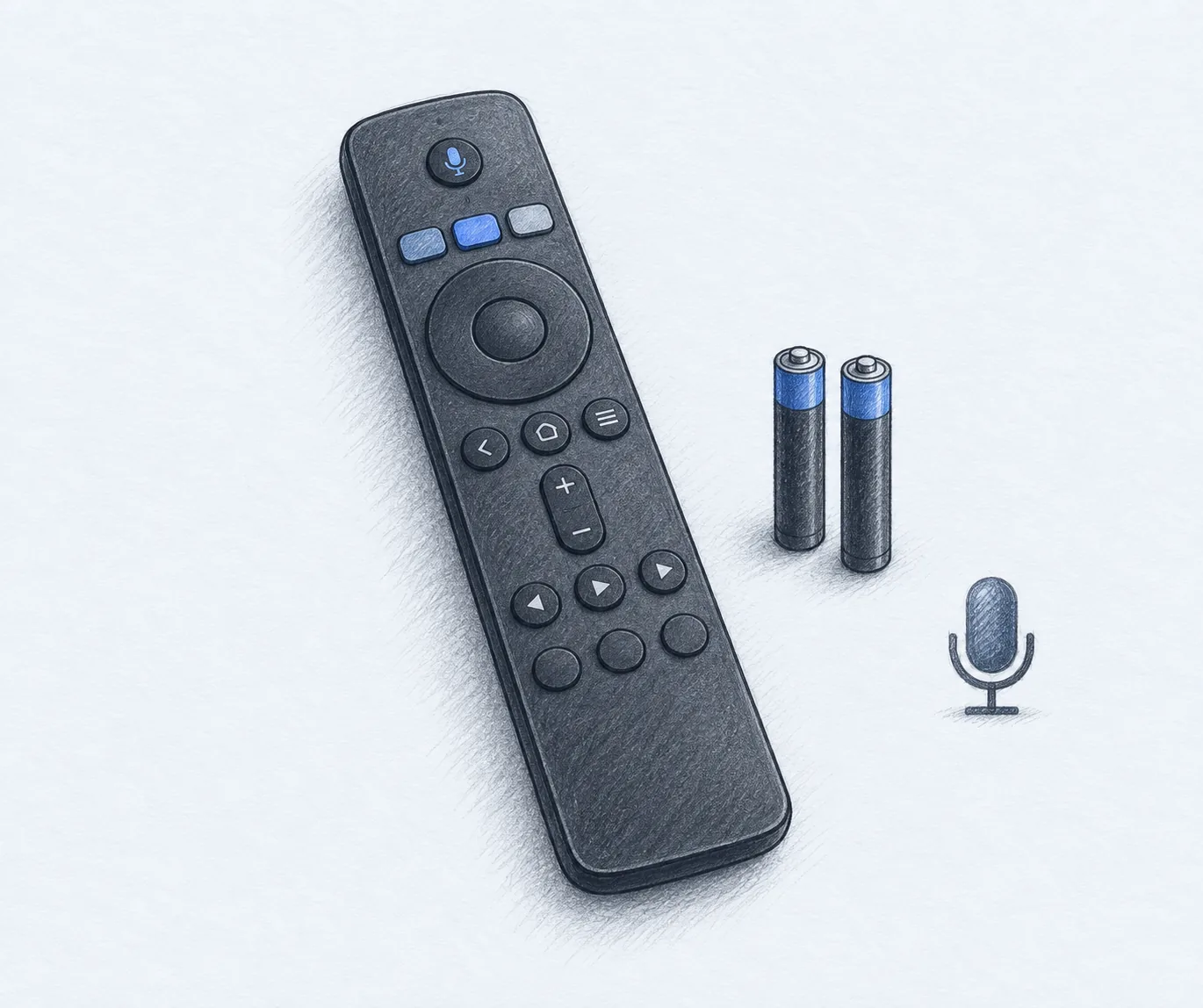
Best Samsung TV Remote Replacements (2026): Voice, IR, and Rechargeable Picks
Streaming devices
Samsung changed its remote every year, so the replacement you need depends on whether your TV does voice control. These are the three models worth buying, and the pairing step that trips people up.
Our picks
The best Samsung TV remote replacement for most TVs is the Nettech voice remote, because it does the two things a modern Samsung remote has to do: control the TV and search by voice. It pairs over Bluetooth, so it does not need a clear path to the sensor, and it covers the BN59 and TM model numbers Samsung has shipped for the last several years.
The two-pack of infrared remotes is the pick for an older Samsung, a second room, or anyone who just wants the power and volume keys back for under ten dollars. The rechargeable Nettech remote at $26.99 is the upgrade for a household that is tired of buying AAA batteries.
Losing a remote feels worse than it is. Samsung ships three or four different remotes with the same TV line, so a generic replacement can match the buttons but miss the microphone, and the fix is usually a fifteen dollar accessory rather than a new set.
If you are still sorting out the rest of the setup, the streaming guides collect the remotes and players, the Vizio remote guide covers the other big brand with the same replacement problem, and the HDMI cable guide handles the cable behind it all. If the TV itself is the next purchase, the 65-inch Samsung guide covers the sets these remotes ship with.
What matters in a Samsung replacement remote
The first question is whether your TV does voice control. Samsung's voice remotes pair over Bluetooth, and the microphone only works if the TV supports it. If you bought the replacement to get voice search back on a set that never had it, the voice key will do nothing and the infrared remote would have been enough.
The second question is the model number. Samsung names its remotes with codes like BN59-01385A, BN59-01432A, and TM2360E, and the numbers change with each TV generation. The replacement listings publish long compatibility lists, so read the one that matches the number printed inside the battery door of your old remote. If you cannot find the number, any remote that lists your TV series is still worth a look, because the basic keys travel across generations.
The third question is the button layout. The infrared replacements keep a plain layout with three app keys. The voice remotes add the microphone key and the app row Samsung currently ships. Look at the product photos and count the keys, because two listings with the same model name can ship different layouts.
Best overall: Nettech voice remote
The Nettech voice remote is the top pick because it does voice search on the Samsung TVs that support it, and it covers the 2019 to 2026 model list. That is the widest window of any replacement here, and it means you do not have to match a single model number to make it work. At $19.99 it is also the cheapest way to get voice control back.
The build is light plastic with a firm click on the main keys. The voice button sits where your thumb expects it, and the shortcut row covers the usual streaming apps.
The trade is the pairing step and the batteries. It is Bluetooth, so it must be paired once, and it takes two AAA cells rather than charging. For most people that is a fair swap for getting voice search back.
How long do the AAA batteries last?
Samsung's own voice remote runs about a year on a pair of AAAs in normal use, and the replacements here sit in the same range because they use the same Bluetooth radio. Volume presses cost more than anything else, so a household that leaves the TV on all evening will get closer to six months.
Does the voice key work on a 2018 Samsung TV?
Usually not. Samsung's voice search arrived across the 2019 line, and the replacement listings quote 2019 to 2026 for a reason. On an older set the microphone key does nothing, and the infrared two-pack below is the better buy.
See the Nettech voice remote on Amazon for the current price.
Best for older TVs: LOUTOC two-pack
The LOUTOC two-pack is the right pick when the TV is older or the household does not care about voice search. Two remotes in one box solves the second-room problem and the backup problem at once, and infrared skips every setup step. At $9.97 it is half the price of a single voice remote.
The layout is simple: power, volume, channel, menu, and three streaming keys. It fits every Samsung series from the older LED sets through the current ones.
The trade is features, not reliability. There is no microphone and no rechargeable battery, and the app row is fixed. If that is all you used on the original, this is the cheapest way back to a working remote.
Will an infrared remote work if something blocks the TV?
No. Infrared needs a clear path to the sensor, so a soundbar sitting in front of the TV's bottom edge can block it. That is the one situation where the Bluetooth remote is worth its extra $10, because it works from any angle.
See the LOUTOC two-pack on Amazon for the current price.
Best if you never want batteries: Nettech rechargeable
The Nettech rechargeable remote is the pick for a household that has given up on disposable batteries. USB-C when you remember, solar when you forget, and the charging cable is included rather than sold separately.
It is the same Bluetooth voice remote as the top pick underneath, so the pairing and the voice search behave the same way. The difference is the power source.
The trade is the up-front price. It is the most expensive remote here, and if a two-pack of AAA batteries does not bother you, the top pick is the better value.
See the Nettech rechargeable remote on Amazon for the current price.
Why your Samsung remote quit
Volume and power are the most pressed keys on any remote, and they wear out first. If the volume key takes a few tries and the rest still work, that is wear, and a replacement is the fix.
Why do only some buttons stop working?
The rubber contact under a key wears through before the electronics fail, and volume and power take the most presses. A remote where the volume key needs three tries and everything else is fine is a worn contact, not a dead board, and no amount of cleaning brings it back for long.
What is the battery-out reset for?
It clears a stuck key state inside the TV. When a Samsung set stops answering a remote whose buttons still light up, pull the batteries, press every button once with the batteries out, then reinstall fresh cells. That drains the stored charge behind the stuck key and is the first fix to try.
There is a second failure that looks the same, and it is the TV rather than the remote. If the reset does nothing and a phone app still controls the set, the remote is the problem. If the app cannot control it either, the TV's receiver is the place to look.
If a fresh replacement still will not respond to every key, check the pairing before you blame the remote. The Bluetooth models need that one button-hold step, and skipping it is the most common reason a voice remote seems half-broken.
Who should skip a replacement remote
Skip it if voice search is the only reason you are shopping. A phone running the SmartThings app covers search and typing over Wi-Fi for free, even if it is slower for volume.
When is the phone app enough?
It is enough when you type in search boxes more than you press volume, and when the TV is on the same Wi-Fi as the phone. It stops being enough the moment someone else wants to change the channel, because the app ties the remote to one handset.
Skip the voice models if your TV is an older set without voice support. The microphone key will not do anything, and the infrared two-pack is the honest pick.
Skip the infrared models if you sit far from the TV or keep a soundbar in the line of sight. Those remotes need a clear path to the sensor, and the Bluetooth voice models do not.
Common questions
Which Samsung remote works with every Samsung TV? No single model covers every button on every set. The infrared replacements handle the basic keys across the range, and the voice remotes add the microphone on the TVs that support it. Match the model number when you can.
Can I program a replacement Samsung remote for another brand? Not the models on this page. These are Samsung replacements with the codes already set. For one remote that runs a Samsung TV and a soundbar from another brand, you want a multi-device universal remote instead. If the streaming box is the part you are trying to control, the streaming guides cover the boxes and the ports they need.
Frequently Asked Questions
What is the best Samsung TV remote replacement?
The Nettech replacement for Samsung TV remote is the best pick for most people. It covers the 2019 to 2026 Samsung voice models, pairs over Bluetooth, and carries a two-year warranty. If your TV is older and does not do voice control, the two-pack of infrared remotes is the simpler and cheaper answer.
Will any Samsung remote work with my Samsung TV?
For the basic keys, usually yes. Samsung states that an older Samsung remote can still handle power, volume, channel, and the settings menu on a newer TV. The voice search and some app keys are the parts that depend on the TV generation, so a replacement may do less than the original remote did.
How do I pair a replacement Samsung voice remote?
Press and hold the Back/Exit button and the Play/Pause button at the same time for five to eight seconds. The TV should show a pairing message. If it does not, repeat the step, and make sure the remote has fresh batteries first.
Why is my Samsung remote not working?
Start with the batteries, then the pairing. If a fresh remote still does nothing, pull the batteries, press every button once with the batteries out, then put in new cells. That clears the stuck key state that makes a new remote look dead.
Do Samsung replacement remotes need batteries?
The two infrared models here need two AAA batteries, and they are not included. The rechargeable pick charges over USB-C in about two hours or from light, and the cable is in the box.
Does a Samsung replacement remote need line of sight?
The infrared models do, so point them at the sensor on the front of the TV and keep the path clear. The Bluetooth voice remotes do not, which is why they work from a couch even when a soundbar sits in the way.
Can I use my phone as a Samsung TV remote?
Yes. The Samsung SmartThings app turns a phone into a remote over Wi-Fi, and it is free. It is handy for typing passwords and searching, but it is slower than a physical remote for volume and power, so most people end up buying one anyway.
Are cheap Samsung replacement remotes worse than the original?
They are the same job with lighter plastic and fewer features. The core keys work, the app row is fixed, and the voice remote is the one that keeps the useful part. If you use voice search every day, buy a voice model rather than the cheapest infrared one.