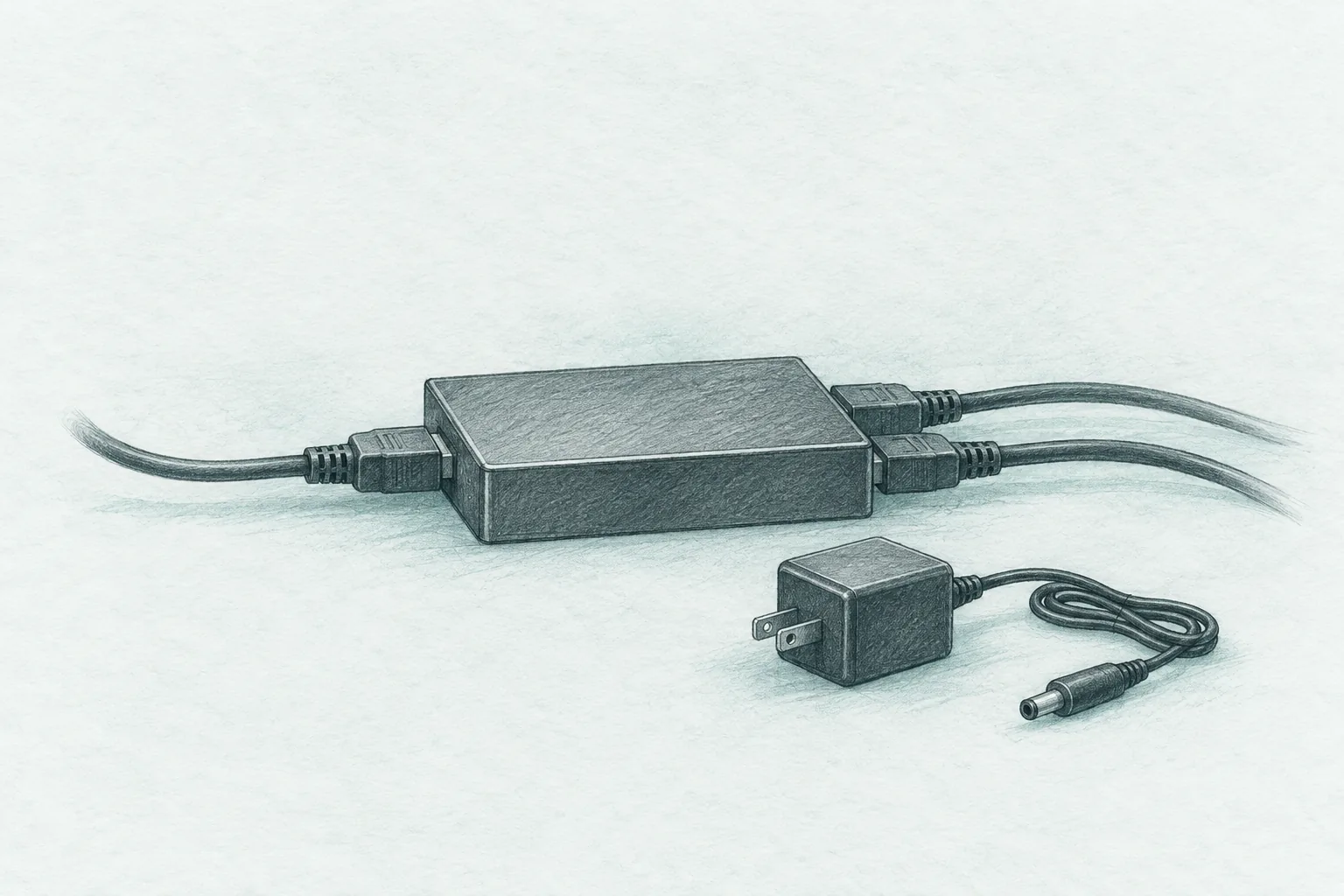
Best HDMI Splitter (2026): Mirror One Source to Two Screens
Mounts, cables and seating
A splitter is a mirror, not a second desktop and not a switcher, which is the mistake that sends most of them back. These are the models that hold a 4K signal and the power rule that keeps them from flickering.
Our picks
The best HDMI splitter for most homes is the avedio links 4K@60Hz 1-in-2-out, because it does the one job a splitter has and does it at full 4K. One source in, two screens out, the same picture on both, with HDR and Dolby Vision passing through.
If you only need 1080p, the avedio links 4K@30Hz model does the same mirror for under sixteen dollars and throws in a cable. If four screens need the feed, the MT-ViKI 1-in-4 is the one that holds a longer run steady.
A splitter is the simplest box in a home theater and the easiest to buy wrong. It is a mirror, not a second desktop, and not a way to share one TV between two devices. Most of the one-star reviews on any splitter come from one of those two expectations, not from a bad unit.
This is the same wiring lane as the rest of the setup guides. If you are still choosing the cable itself, the HDMI cable guide covers what actually matters, the USB-C to HDMI guide is the one for laptops and tablets, and the TV mount guide is the next stop if the new screen has not gone up yet.
What does an HDMI splitter do?
A splitter sends one HDMI source to two or more screens at the same time, and every screen shows the identical picture. It does not create a second desktop, and it does not let two devices share one TV.
Three different boxes get called the same thing, and buying the wrong one is the usual mistake.
A splitter takes one input and sends it to two or more screens. Every screen shows the same picture. That is what all three picks here do.
A switch takes two or more inputs and sends one of them to a single screen. If your TV has one spare HDMI port and you own a console and a streamer, a switch is the box you want. The Anker and UGREEN switches sold next to these do that job.
An audio extractor pulls the sound out of the HDMI signal for a soundbar or an amplifier. Some splitters include one, most do not, and it is worth checking if you plan to feed a separate sound system.
How is a splitter different from a switch?
A splitter is one input to many outputs, so several screens show the same picture. A switch is many inputs to one output, so you pick which device feeds one TV. They solve opposite problems, and no single box does both jobs well.
Do I need a splitter for two TVs in different rooms?
Only if both rooms show the same thing at the same time. A splitter sends one feed to both, so a living room and a bedroom can watch the same game. For separate shows, you need separate sources.
Do HDMI splitters work with 4K and HDR?
The better ones do, at 4K@60Hz with HDR and Dolby Vision passthrough. The budget models cap at 4K@30Hz and use older HDCP, so a protected 4K stream may not pass. Match the splitter to the lowest screen in your setup.
The single biggest choice is the video version.
A 4K@60Hz splitter costs more and passes full-rate 4K, HDR, and Dolby Vision. It is the right pick for a modern TV, a console, or any setup where 60Hz matters for smooth motion. The top pick here uses 18.5Gbps of bandwidth, which is what keeps the color from being cut down to fit.
A 4K@30Hz splitter is cheaper and fine for 1080p. It shows a 4K signal at half the refresh rate, so sports and games look rougher, and it uses older HDCP that some protected streams will not pass. For a second-room TV running a cable box, it is plenty.
Why does my splitter flicker or drop the signal?
Almost always power. Most splitters need their own 5V adapter, and running one without it causes no signal or a flickering picture. Use the supplied adapter and keep 4K cable runs short, around 16 feet or less per leg.
Best overall: avedio links 4K@60Hz splitter
The avedio links 4K@60Hz is the top pick because it handles the mixed setup that most homes actually have. One 4K TV, one older 1080p screen, one source, and automatic downscaling to keep both happy.
It carries Dolby Vision and Dolby Atmos through, and the 18.5Gbps bandwidth means full 4K color rather than the compressed version. Setup is plug and play with no drivers.
The trade is that it is a mirror. If you want a second Windows desktop across two monitors, this is the wrong box, and no splitter will do it.
See the avedio links 4K@60Hz splitter on Amazon for the current price.
Best value: avedio links 1080p model
The avedio links 4K@30Hz is the value pick for a 1080p job. It includes a short HDMI cable, which none of the others do, and it costs less than one of the certified cables people buy for a 4K TV.
It handles 1080p at 60Hz cleanly and works with older gear without negotiation. For a second room on a cable box or a console at 1080p, that is all you need.
The trade is the video version. It is not the box for a 4K60 TV, and the older HDCP can block protected 4K content.
See the avedio links 4K@30Hz splitter on Amazon for the current price.
Best for four screens: MT-ViKI 1-in-4
The MT-ViKI 1-in-4 is the pick when one source has to reach four screens at once. A bar wall, a gym, a classroom, or four TVs around a big room all fit the job.
The included power adapter is the reliability difference. It keeps the signal steady on longer runs where a bus-powered box would drop, and it supports 1080p at 60Hz without complaint.
The trade is the 4K ceiling and the size. At 4K@30Hz it is not for a next-gen console, and the box is larger than the pocket-sized 1x2 models.
See the MT-ViKI 1-in-4 splitter on Amazon for the current price.
How long can the HDMI cables be on a splitter?
Keep 4K runs to about 16 feet or less per leg and 1080p runs to about 33 feet or less. Longer than that and the picture will sparkle or drop, even with a splitter that supports the resolution.
How do I keep a splitter stable?
Use the power adapter first, then keep the runs short and the cables rated for the resolution. Those three habits fix almost every flicker complaint.
Use the power adapter. A splitter that draws power from the HDMI cable alone will drop the signal once the cable run gets long.
Keep the runs short. Around 16 feet or less per leg for 4K, and about 33 feet or less for 1080p. Beyond that you will see sparkles or a black screen even with a good splitter.
Use cables rated for the resolution. A long, thin cable that worked at 1080p may not carry 4K no matter what the splitter supports.
Match the splitter to the lowest screen. A 4K splitter feeding an old 1080p TV needs downscaling, which the top pick does automatically. Some cheap boxes just drop everything to the lowest common resolution instead.
Who should skip a splitter
Skip it if you want two different pictures. A splitter mirrors, so if the kids want a different show in the next room, you need a second source, not a splitter.
Skip it if you are trying to add an HDMI port to your TV. That is a switch, not a splitter, and the two get confused constantly.
Skip it if you only need to extend a PC desktop. Splitters do not extend; a display adapter or a second output from the computer does that.
Common questions
Can I use two splitters in a row? Sometimes, but it is unreliable. Cascading two 1x2 splitters to reach four screens adds another point where the signal can weaken. A single 1x4 splitter is the cleaner answer.
Does a splitter lower the picture quality on the main TV? A good 4K@60Hz splitter passes the signal through without degrading it. A cheap box that forces downscaling can, which is why the top pick downscales only the screen that needs it.
Frequently Asked Questions
What does an HDMI splitter actually do?
A splitter takes one HDMI source and sends the same picture and sound to two or more displays at once. Both screens show the identical image. It does not create a second desktop and it does not let two devices share one TV.
What is the difference between an HDMI splitter and an HDMI switch?
A splitter is one input to many outputs, so several displays show the same thing. A switch is the opposite: many inputs to one output, so you pick which device feeds one TV. If you want to connect a console and a streamer to a single HDMI port, you want a switch.
Why does my HDMI splitter flicker or drop the signal?
Almost always power. Most splitters need their own 5V adapter, and running one without it causes no signal or a flickering picture. Use the supplied adapter and keep 4K cable runs short, around 16 feet or less per leg.
Do HDMI splitters work with 4K and HDR?
The better ones do, at 4K@60Hz with HDR and Dolby Vision passthrough. The budget models cap at 4K@30Hz and use older HDCP, so a protected 4K stream may not pass. Match the splitter to the lowest screen in your setup.
Can an HDMI splitter send different content to each screen?
No. A splitter mirrors. If you need two different pictures, you need a matrix switch or a second source, not a splitter.
Will a splitter pass Dolby Atmos or surround audio?
The 4K@60Hz pick passes Dolby Atmos and Dolby Vision through to the displays. Audio extractors, which pull sound out to a soundbar or speakers, are a separate device and not every splitter has one.
How long can the HDMI cables be on a splitter?
Keep 4K runs to about 16 feet or less per leg and 1080p runs to about 33 feet or less. Longer than that and you will see sparkles or dropouts, even with a good splitter.
Do I need a splitter for two TVs in different rooms?
Only if both rooms show the same thing at the same time. A splitter sends one feed to both, so a living room and a bedroom can watch the same game. For separate shows, you need separate sources.