Best TV Antennas (2026): 3 Indoor Picks for Free Local Channels
Streaming devices
Three indoor TV antennas worth buying in 2026, ranked by who they are for: a long-cable flat panel that reaches more channels, a magnetic-base pick that hides on the TV stand, and a long-range panel for the room farthest from the towers.
Our picks
The best TV antenna for most rooms reaches a good spot in your room, and position decides whether you get 40 channels or 8. The "mile" number on the box matters far less. The intelbras 16.5-foot flat panel is our pick because the cable is long enough to reach a window, and the price stays under $25.
Before you buy anything, it helps to know how the rest of the setup fits together. Our streaming device guides cover the players that turn a signal into apps, the best streaming device for TV explains the boxes, and the HDMI cable guide covers the wire that carries the picture, since an antenna feeds the coaxial tuner and not an HDMI input. If your TV remote is the other problem, the Vizio and Samsung remote guides handle that.
What is the best TV antenna overall?
The best TV antenna for most rooms is a flat indoor panel with a long coaxial cable. The cable lets you move the antenna to a window facing the transmitters, which is the single biggest factor in reception. The picks below all handle UHF and hi-VHF on 75-ohm coax, which is the standard for a US tuner.
One honest note before the table: the "mile" figure on the box is marketing. A real indoor antenna works within roughly 20 to 30 miles of the transmitters, and what actually limits you is the band of your local channels and how many walls sit between the antenna and the towers.
Why does the band matter more than the box?
Channels 2 through 13 are VHF, with 2 through 6 on low VHF and 7 through 13 on hi-VHF, and channels 14 and up are UHF. Most stations are UHF, so most flat antennas are built for it. The problem is hi-VHF: a flat leaf panel often cannot pull those stations at all, which is why one network drops out while the rest come in fine.
There is real physics behind the dropout. Doubling the frequency adds about 6 dB of path loss, which is why VHF arrives at your house stronger than UHF at the same distance, and why a small UHF-first panel misses hi-VHF. A rabbit-ears or rod antenna has actual VHF elements and does better within about 20 miles; beyond that you want an attic or outdoor antenna.
How do I check my channels before I buy?
Look up your address on a coverage tool like RabbitEars or the FCC's DTV map before you spend anything. The report shows each station's band (VHF or UHF), its direction from your house, and a signal estimate. If your must-have channels are UHF and in the green, an indoor panel will do. If a must-have is hi-VHF, plan for a rabbit-ears or an attic antenna.
What is the number one rated TV antenna?
The intelbras flat panel is the best-reviewed pick here, with well over 16,000 ratings, and it is a current best seller in the category. That says a lot of people bought it and were happy enough to rate it. It does not say it will work at your address, because your distance to the transmitters and the band of your local channels are the deciding factors.
Best overall: intelbras flat panel with the 16.5-foot cable
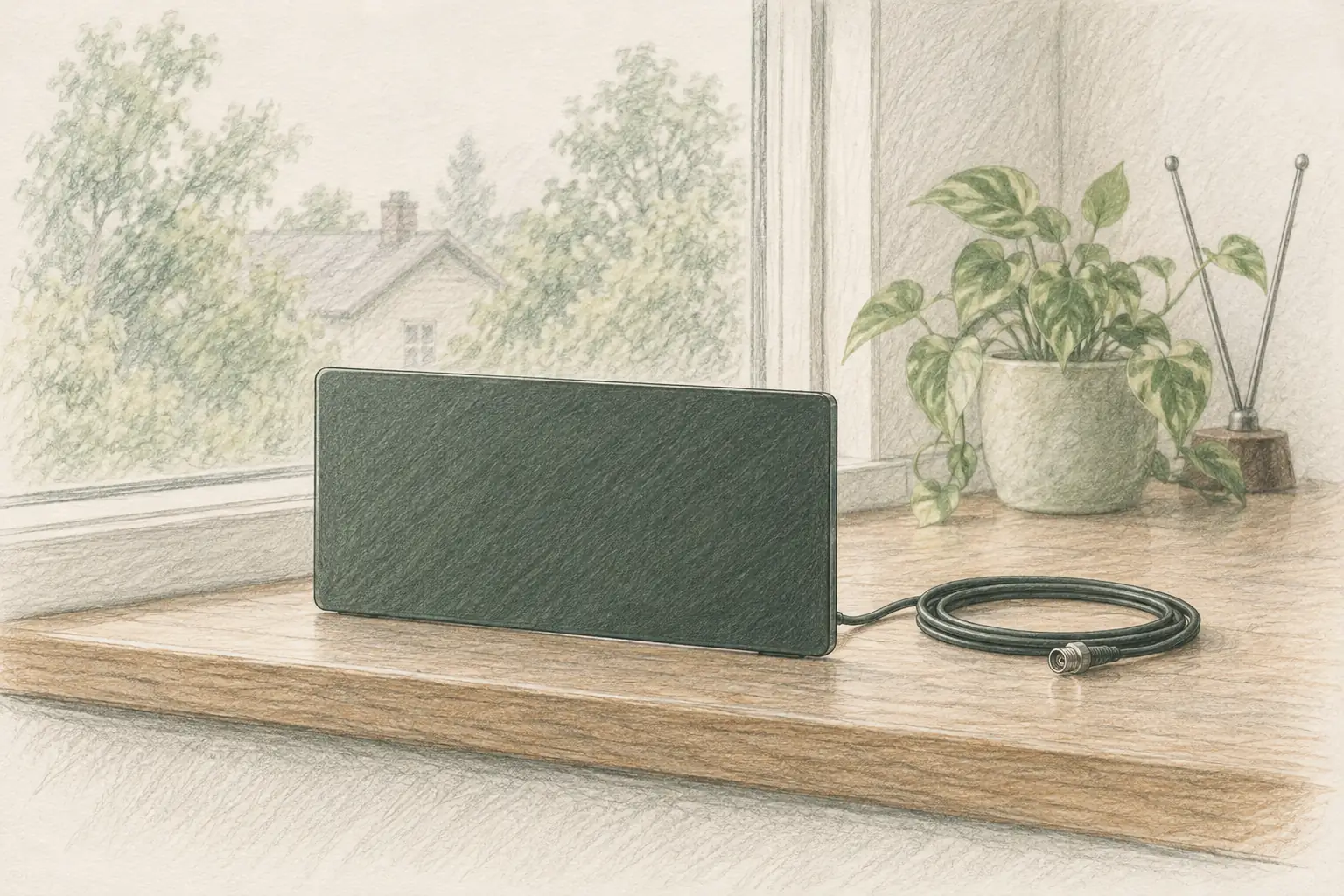
This is the panel to buy first. A 16.5-foot cable turns the antenna from a fixed point into something you can actually position, and position is what decides how many channels you get. The flat design goes on a wall, a window, or a tabletop, so you can test spots before you commit to one with tape or screws.
It handles 69 channels across 75-ohm coaxial, which is the standard for every US TV tuner, and it is built for both indoor and covered outdoor use. The material is a flame-retardant PC composite with moisture and lightning protection, which is more than most panels at this price bother with. Setup is the standard three steps: connect to the antenna input, put the panel near a window, then run the channel scan.
The honest trade is VHF. Like every flat panel in this class, it is a UHF-first design, so a hi-VHF station may need you to stand it upright and face the towers precisely. If a must-have local is on hi-VHF, read the band section above before you order.
Best on the TV stand: intelbras magnetic-base panel
This is the pick for a clean install. Most people want the antenna to disappear, not to become a conversation piece on the wall, and the magnetic base makes that possible on a metal TV or console top. You can tune it by sliding it sideways, which is far easier than re-taping a panel every time the weather or the season shifts the signal.
The compact size is the selling point and the limitation. At roughly 10 by 7.5 inches it hides easily, and 16.5 feet of cable still reaches a window when the stand spot fails. The omni-directional pickup means you are not aiming at a single station, which suits a household that wants the whole local lineup rather than one network.
The one caveat is the same as any flat panel: VHF is the weak spot. A small UHF-first design may miss a hi-VHF station unless you stand it up and point it. That comes down to placement rather than a faulty antenna, and the fix is a few minutes with the signal meter.
Best for the far room: DAANT long-range panel
This is the pick when the room is already far from the broadcast towers, or when the first window you tried was not good enough. The 100-mile range spec gives more margin than the other two, and the larger panel has more surface to gather signal. It supports up to 100 channels on standard 75-ohm coax.
The slim 0.55-inch body sits flat on a windowsill or tapes to glass without a bracket, so you can test a spot in minutes. Its light weight makes it easy to move between rooms to find the position that scans the most channels, which is the fastest way to solve a weak reception problem.
The honest note is placement sensitivity. This panel rewards a careful aim more than the others, so expect to run the channel scan two or three times while you move it. The upside is that the channels you gain by getting the spot right are channels the other picks never found.
How do you set up a TV antenna for the most channels?
Connect the coax to the antenna input, put the panel as high as you can near a window that faces the towers, then run the channel scan. Move it a few inches and rescan until the list grows. Position matters more than the antenna itself, so this loop of move, scan, and check is the real setup.
Where should you put an indoor antenna?
Higher is better, and a window facing the transmitters is best. Keep the antenna away from LED lamps, motors, and the router, because those add noise in the bands you are trying to receive. A window avoids the walls, wiring, and foil-backed insulation that quietly absorb the signal before it reaches the panel.
Why do you need to rescan after every move?
The scan builds the channel list, and the TV does not update it on its own when the signal changes. Move the antenna without rescanning and the TV runs the old list, so the channel you just improved still shows up as missing. Rescan every time, even when you only nudged the panel a few inches.
How do you split one antenna to two TVs?
Use a coax splitter, and accept that each output gets less signal than the single run had. If splitting costs you your weakest channel, a small distribution amplifier restores the level. Keep the cable runs short and the splitter as close to the antenna as practical.
What can I use instead of a TV antenna?
A live-TV streaming service that carries your local stations, a cable or satellite box, or a coaxial wall jack from a building that already has an antenna. If you have a working coax jack in an apartment, connect the TV to it and rescan before buying anything, because the antenna work may already be done.
Does a streaming service replace an antenna?
For local channels, a live-TV service with local carriage can replace an antenna, at a monthly cost. An antenna is free after the one-time purchase and adds no recurring bill, which is why about 23 million US homes run one for broadcast channels and live sports. Many households keep both: the antenna for locals and a streamer for everything else.
What does an antenna pay back?
A $20 antenna against a $60-per-month live-TV service pays for itself in about two weeks, and against a $45-per-month service in about three. Past that point every month is money you keep. That payback is the strongest argument for trying an antenna before adding another subscription.
Can you use an antenna with an older TV?
Yes, if the TV has a digital tuner and a coaxial input. Any HDTV built after the digital transition has one, and the setup is identical: connect the coax, position the antenna, scan for channels. A very old analog-only set needs a separate digital converter box between the antenna and the TV.
Who should skip an antenna
Skip the antenna if you already have a working coaxial wall jack that carries channels. A building antenna system can be better than anything you tape to a window, and it costs you nothing to test with a scan. Try the jack first.
Skip it if your must-have channels are all on a streaming service you already pay for. If you watch one network and it is available on a service you keep anyway, the antenna saves you nothing. The savings come from cutting a live-TV bill, not from adding a device to one you are not canceling.
Skip it if you live far from the transmitters and cannot put an antenna up high. If the coverage report shows your stations in the red and you cannot mount anything in an attic or outdoors, an indoor panel will not save the picture. A live-TV service is the honest answer in that case.
Common questions
Do indoor TV antennas actually work? Yes, within about 20 to 30 miles of the transmitters and near a window. The failures people report are usually placement problems or a hi-VHF station that a flat UHF-first panel cannot pull. Move the antenna to a window, rescan, and check the band before blaming the box.
Do I need an amplifier with an indoor antenna? Only if your coverage report shows weak signals and a long cable run. An amplifier boosts noise along with signal, so on a short run in a strong-signal area it can make reception worse. Start without one, and add a small amplifier only if a specific channel comes in short.
Does a TV antenna work with a projector? Not directly, because most projectors have no coaxial tuner. You would pair the antenna with a separate tuner box or a device with an ATSC tuner, then feed the projector over HDMI. The HDMI cable guide covers the run to the projector.
How much does a good TV antenna cost? A solid indoor panel costs $18 to $35 in 2026, and the picks here sit at $18.99 to $24.99. A larger attic or outdoor antenna costs more and needs a mast and a cable run, which is the upgrade path if an indoor panel cannot reach your stations.
Frequently Asked Questions
What is the best TV antenna to receive free TV?
For most rooms, the best indoor TV antenna in 2026 is the intelbras flat panel with the 16.5-foot cable. The long cable lets you move the antenna to a window, which matters more than the antenna itself, and it handles both UHF and hi-VHF channels. If you want it hidden on the TV stand, the compact magnetic-base intelbras is the better fit.
What is the #1 rated TV antenna?
The intelbras flat panel is the best-reviewed indoor pick here, with well over 16,000 ratings, and it is a current best seller in the category. That tells you plenty of people bought it and were happy with it. It says nothing about your address, though, because your distance to the transmitters and the band of your local channels decide how well it works.
Can a smart TV pick up local channels without an antenna?
No. A smart TV needs a signal source, either a cable or satellite feed, a streaming service that carries your local stations, or an antenna on the coaxial input. The smart part is just the app platform. Without one of those sources, the TV has nothing to tune, so an antenna or a live-streaming service is required.
What can I use instead of a TV antenna?
Three things: a live-TV streaming service that carries local channels, a cable or satellite box if you still have one, or a coaxial wall jack in an apartment building that already has an antenna system. If you have a working coax jack, connect the TV to it and rescan first, because you may not need an antenna at all.
How far can an indoor TV antenna reach?
In practice, an indoor flat antenna works best within about 20 to 30 miles of the transmitters, even though the boxes list 50 to 100 miles. Walls, foil-backed insulation, and metal studs cut the signal before it reaches the antenna. Check your distance and band on a coverage tool before you buy, and treat the mileage on the box as optimism.
Why do I lose one channel even with a good antenna?
Band is the usual reason. Channels 2 through 13 are VHF and 14 and up are UHF, and a flat leaf-style antenna is a UHF design that often cannot pull hi-VHF channels even when everything else comes in. A rabbit-ears or rod antenna does better for hi-VHF within about 20 miles, and a bigger attic or outdoor antenna does better beyond that.
Do I need to rescan after moving an antenna?
Yes, every time. Your TV builds a channel list when it scans, and it does not update that list on its own when the signal changes. Move the antenna, then run the channel scan again, or the TV keeps showing the old list and the channels you just improved stay missing.
Is an antenna better than a streaming service?
For local channels and live sports, an antenna is free after the one-time cost, with no monthly bill. A streaming service adds channels an antenna cannot reach but costs money every month. Many people run both, using the antenna for locals and a streamer for everything else.